Coding Tools
GitHub Copilot Enhances Workflow with New Features
GitHub Changeloghigh confidence
Why it matters
- →Enhancements improve workflow efficiency and task management for developers.
- →New features provide greater control over AI interactions and session management.
- →Multilingual dictation and element-level feedback enhance user experience.

GitHub Copilot has rolled out new features across its desktop app, CLI, and VS Code, designed to streamline user workflows. Users can now see which AI model handled their requests and manage multiple sessions more efficiently. The new /worktree command allows users to explore changes in a separate workspace without affecting their current tasks. Additionally, the integrated browser supports element-level feedback, and dictation now uses a multilingual on-device model. These updates aim to enhance productivity and user interaction with the tool.
Read originalThe story around this
Earlier coverage that leads up to this article, and what followed. Lines connect each piece to the closest one after it, converging here.
How we got here
- 1GitHub Copilot Enhances Code Review with New Features
GitHub Changelog · June 2, 2026 · Same story
- 2GitHub Releases Copilot App for Desktop
Matt Wolfe · June 5, 2026 · Same story
More from GitHub Changelog
 © GitHub Changelog
Coding Toolscoding
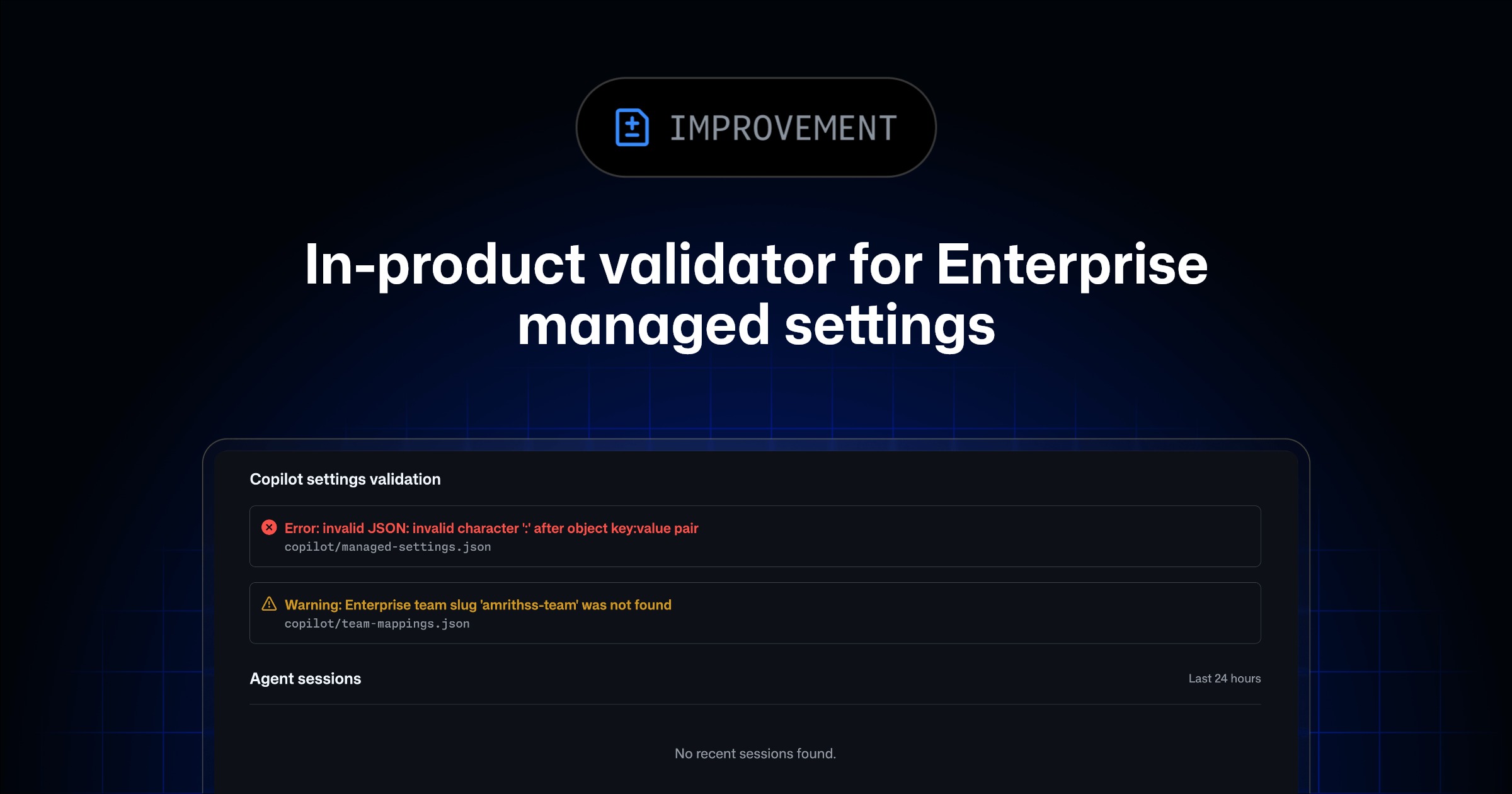
GitHub Copilot adds in-product settings validator
GitHub Copilot now validates enterprise managed settings directly in the UI, catching malformed JSON and invalid team mappings before they break policy enforcement. This shifts validation from a silent failure mode to an explicit feedback loop, saving admins from debugging why their AI controls aren't applying. By pointing to specific files and JSON paths, it reduces the friction of managing .github-private repositories at scale. It’s a pragmatic fix for a common enterprise pain point rather than a new capability.
GitHub Changelog
 © GitHub Changelog
More in Coding Tools
Coding Toolscoding
Claude Code v2.1.282 patches critical session and UX bugs
This release stabilizes Claude Code by fixing a cascade of session-breaking errors that previously caused silent data loss or API drops. The most significant fix addresses resumed conversations re-sending messages in altered forms, which was corrupting reasoning traces and breaking extended thinking workflows. It also resolves persistent login refresh loops and managed setting parsing failures that plagued enterprise deployments. While the changelog is dense with UI tweaks like scrollbar fixes and vim mode corrections, the core value lies in restoring reliability for long-running agent sessions.
Claude Code Releases
Coding Toolscoding
Claude Code v2.1.283: Gateway hints and plugin fixes
This release quietly solves a major pain point for enterprise AI workflows by adding gateway hint headers, allowing LLM gateways to correctly group requests per user prompt instead of treating them as isolated events. The new managed settings for availableModelsMatch and deniedModels give organizations precise control over model access, blocking specific versions even when broader allowances exist. Beyond governance, the update stabilizes the plugin ecosystem with rigorous validation checks that prevent silent failures from broken or misconfigured extensions. These changes shift Claude Code from a developer tool to a manageable enterprise component.